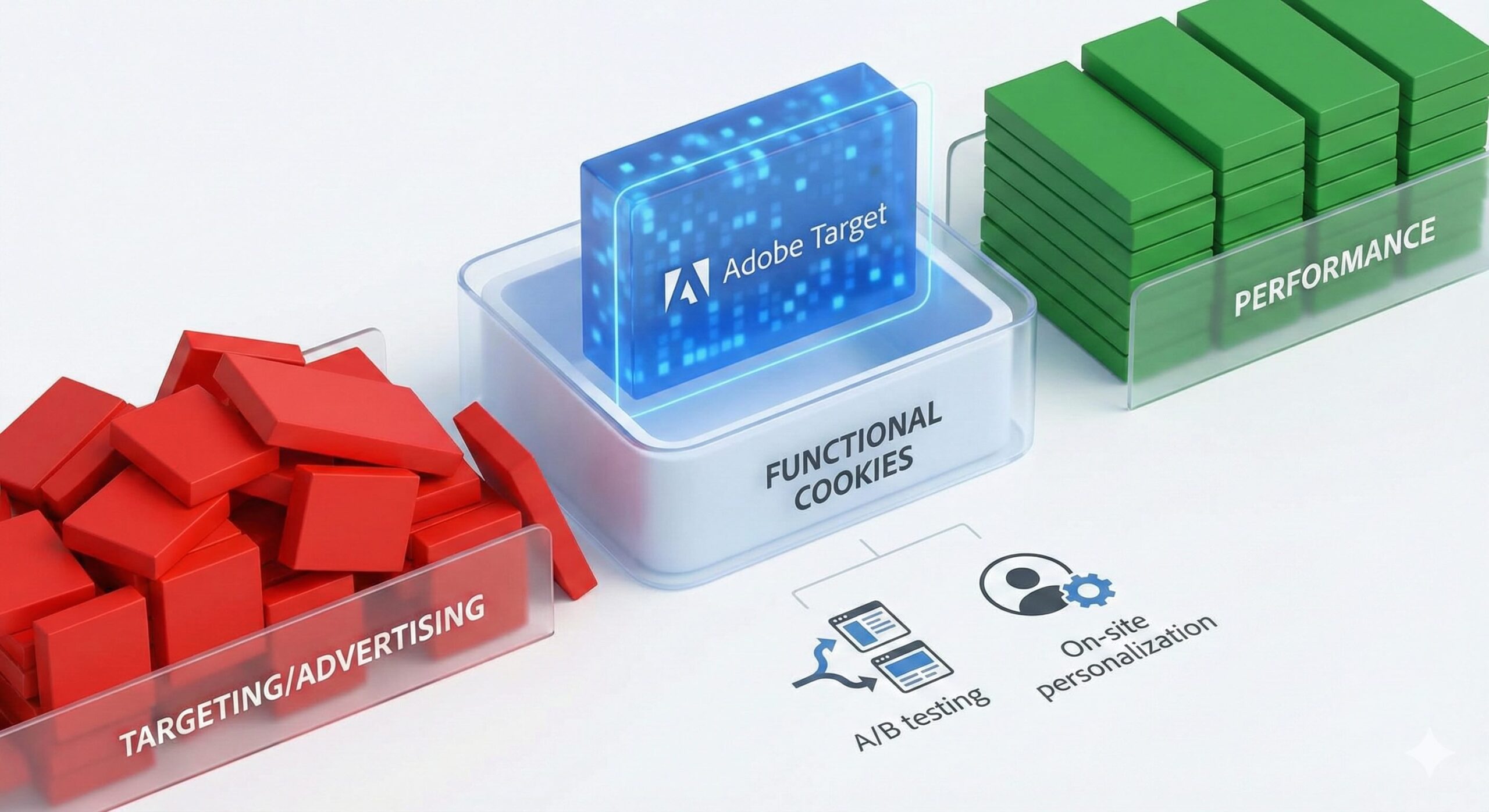
Adobe Target: Functional Cookie Classification
Classifying cookies under GDPR and the ePrivacy Directive is often a gray area, and enterprise tools like Adobe Target frequently sit right on the dividing line between categories.
Standard consent management platforms (like OneTrust or Cookiebot) typically divide non-essential cookies into three buckets: Performance/Analytics, Functional, and Targeting/Advertising.
While some organizations default to throwing anything with the word “Target” into the Targeting/Advertising bucket, there is a very strong, defensible case for classifying Adobe Target as Functional.
Here is the argument you can make to your legal, compliance, or privacy teams.
1. The Definition of “Functional” Cookies
Under standard compliance frameworks, “Functional” cookies are defined as those that enable a website to provide enhanced functionality and personalization. They may be set by the website owner or by third-party providers whose services have been added to the pages. If the user does not allow these cookies, some or all of these services may not function properly.
Adobe Target’s primary purpose aligns perfectly with this definition: it alters the UI/UX to provide a tailored, personalized experience for the user.
2. Ensuring a Consistent User Experience (A/B Testing)
At its core, Adobe Target is an A/B testing and optimization engine. When a user lands on a site, Target uses its primary cookie (typically mbox) to assign the user to a specific variant (e.g., Version A or Version B of a homepage).
- The Functional Argument: Without this cookie, the website cannot “remember” which version of the page the user is supposed to see. As the user navigates from page to page, or returns the next day, their experience would be broken. They would randomly bounce between Version A and Version B, creating a confusing and degraded user experience. The cookie functions to maintain the integrity of the site’s interface for that specific user.
3. On-Site Personalization vs. Cross-Site Advertising
The biggest misconception is confusing Adobe Target with an advertising tool.
- Targeting cookies (like the Meta Pixel or Google Ads tags) are designed to build a profile of user interests and track them across different websites to serve them relevant advertisements.
- Adobe Target cookies, by default, operate in a first-party context. They are used to personalize the content only on the website the user is currently visiting. Remembering that a user previously looked at “men’s shoes” to feature men’s shoes on the homepage during their next visit is a first-party personalization feature-a hallmark of the “Functional” category.
4. It is Not Purely “Performance/Analytics”
While Adobe Target generates data on how well a page performs, it is fundamentally different from a pure analytics tool (like Google Analytics or Adobe Analytics).
- Analytics tools are passive; they observe and record behavior (Performance).
- Adobe Target is active; it actively changes the code, layout, and content delivered to the user’s browser in real-time. Because it directly impacts how the site operates and behaves for the user, it is a functional tool rather than just a measurement tool.
The Reality Check: When “Functional” Doesn’t Apply
While the argument above is strong, you must be transparent with your compliance team about how your specific organization uses the tool.
If your marketing team has integrated Adobe Target with Adobe Audience Manager (AAM) or third-party data management platforms to personalize the site based on off-site tracking data, or to share on-site behavior with ad networks to retarget the user later, the “Functional” argument falls apart. In that scenario, GDPR regulators would strictly view it as a Targeting cookie because it relies on cross-site profiling.
As long as you are using Target strictly for first-party A/B testing and on-site personalization, the “Functional” classification is highly defensible.
Adobe Target Consent Management Platform Classification Decision Tree
START
|
|– Q1: Is Target used to support or enable cross-site advertising/retargeting?
| (e.g., sharing audiences/events to ad networks, retargeting later, ad IDs)
| |
| |– YES -> Category: TARGETING / ADVERTISING
| |
| |– NO -> Q2
|
|– Q2: Is Target personalization/decisioning driven by off-site or 3rd-party data?
| (e.g., DMP signals, data bought from 3rd parties, broad cross-site profiling)
| |
| |– YES -> Category: TARGETING / ADVERTISING
| |
| |– NO -> Q3
|
|– Q3: Is Target used strictly for on-site experience delivery?
| (A/B tests, UX personalization, feature experiments, content/UX changes)
| |
| |– NO -> Q4
| |
| |– YES -> Q3a
|
|– Q3a: Does Target primarily *change what the user sees* (experience/UX),
| and identifiers are used mainly to keep experiences consistent?
| |
| |– YES -> Category: FUNCTIONAL / PERSONALIZATION
| |
| |– NO -> Q4
|
|– Q4: Is Target mostly used to measure/observe outcomes
| (reporting, experiment measurement) rather than change UX?
| |
| |– YES -> Category: PERFORMANCE / ANALYTICS
| |
| |– NO -> Q5
|
|– Q5: Are you exporting Target data to other systems for broader profiling
| or marketing activation (beyond on-site UX decisions)?
| |
| |– YES -> Category: TARGETING / ADVERTISING
| |
| |– NO -> Category: FUNCTIONAL / PERSONALIZATION
END