Live Dashboard Q&A
We received some great questions from a video we made about the MiaProva LIve Dashboard. This video is a response to those questions.

We received some great questions from a video we made about the MiaProva LIve Dashboard. This video is a response to those questions.

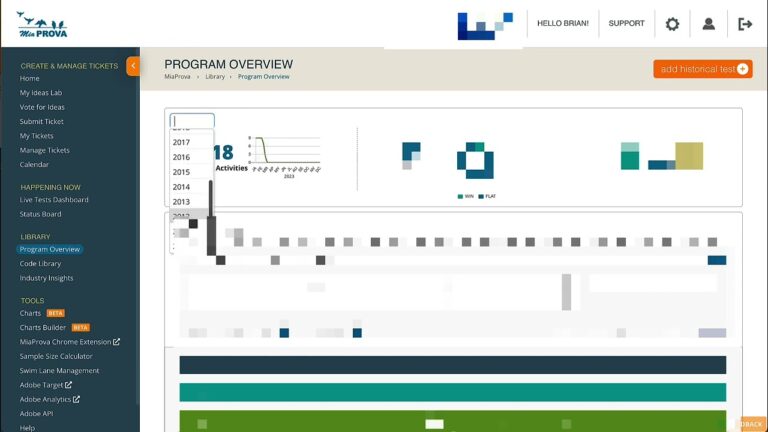
MiaProva’s Live Dashboard provides organizations with various tools to manage any Activities in flight. This quick 2-minute video gives you an overview of some of the functionality available here.

MiaProva regularly makes product releases once or twice a month on average. This video outlines some of the updates made this week.
Monday, August 22, 2022 Product Release
– UI updates to the Idea Lab
– Adding Adobe Target Audiences and Adobe Target Offers to Program fields
– Bug Fix: Removed Alerts sent via email from disabled Report Suites
– Various architectural and performance enhancements
– New Filter on Awaiting Summary
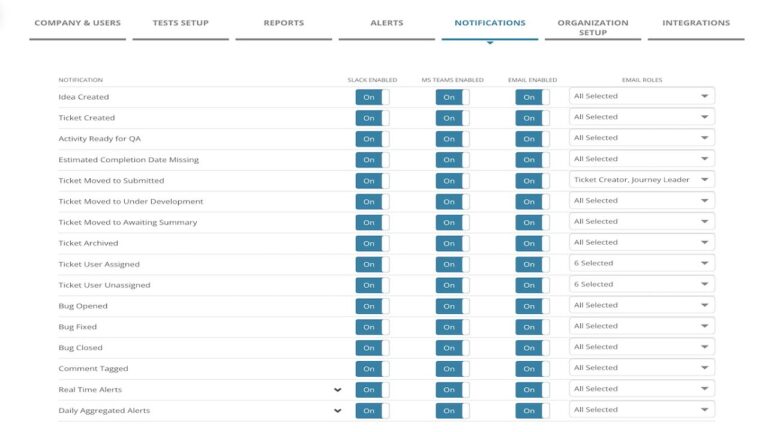
– Updates to naming conventions under Notifications
As always, please reach out with any questions and, Customers, if there are features that would be helpful, please let us know at support@miaprova.com

This video provides users of Adobe Target a nice option if you want to use an Adobe Analytics Calculated Metric as a custom goal. Bonus tip: Passing pageName to Adobe Target mboxes is a very helpful utility for many reasons!

Here we address a measure slack question regarding how the mbox3rdPartyId is stiched to Activities and Adobe Target will always show each mbox3rdPartyId their original assignment.
MiaProva built this free utility to allow organizations to quickly and easily upload data to Adobe Target for targeting and personalization services. This video also explains how Adobe Target enables users to use the visitor ID Adobe Target provides and how to leverage your own internal definition of the visitor ID.
Adobe Target allows you to target audiences that are not in other tests. But what happens if two activities are running at the exact location? What will Target do?
This video answers that and explains how you can manage things differently.

Over the years, we have gotten many requests from customers asking for clarity around how best to use Adobe Target Audiences and Locations when setting up Activities via the Visual Experience Composer (VEC) or Form-based creation. This video will share best practices and explain how best to leverage the functionality.

This video demonstrates how easy it is to get data from Local Storage to Adobe Target for audience creation and to target.
Spoiler Alert: This video shows how to see today’s Wordle answer, so please don’t watch it if you don’t want to see it.