Warehouse-to-Target: using Hightouch to power smarter Adobe Target personalization (offline profiles + real-time)
If you’ve spent any time in Adobe Target, you’ve probably hit the same ceiling I have: you can build great experiences with on-site behavior, a few profile attributes, and some Analytics segments… but your best customer context usually lives somewhere else.
For a lot of orgs, that “somewhere else” is the data warehouse (BigQuery, Snowflake, Databricks). That’s where you’ve got LTV, lifecycle stage, churn risk, product affinities, lead/account health, eligibility rules, and all the modeled attributes your teams actually trust.
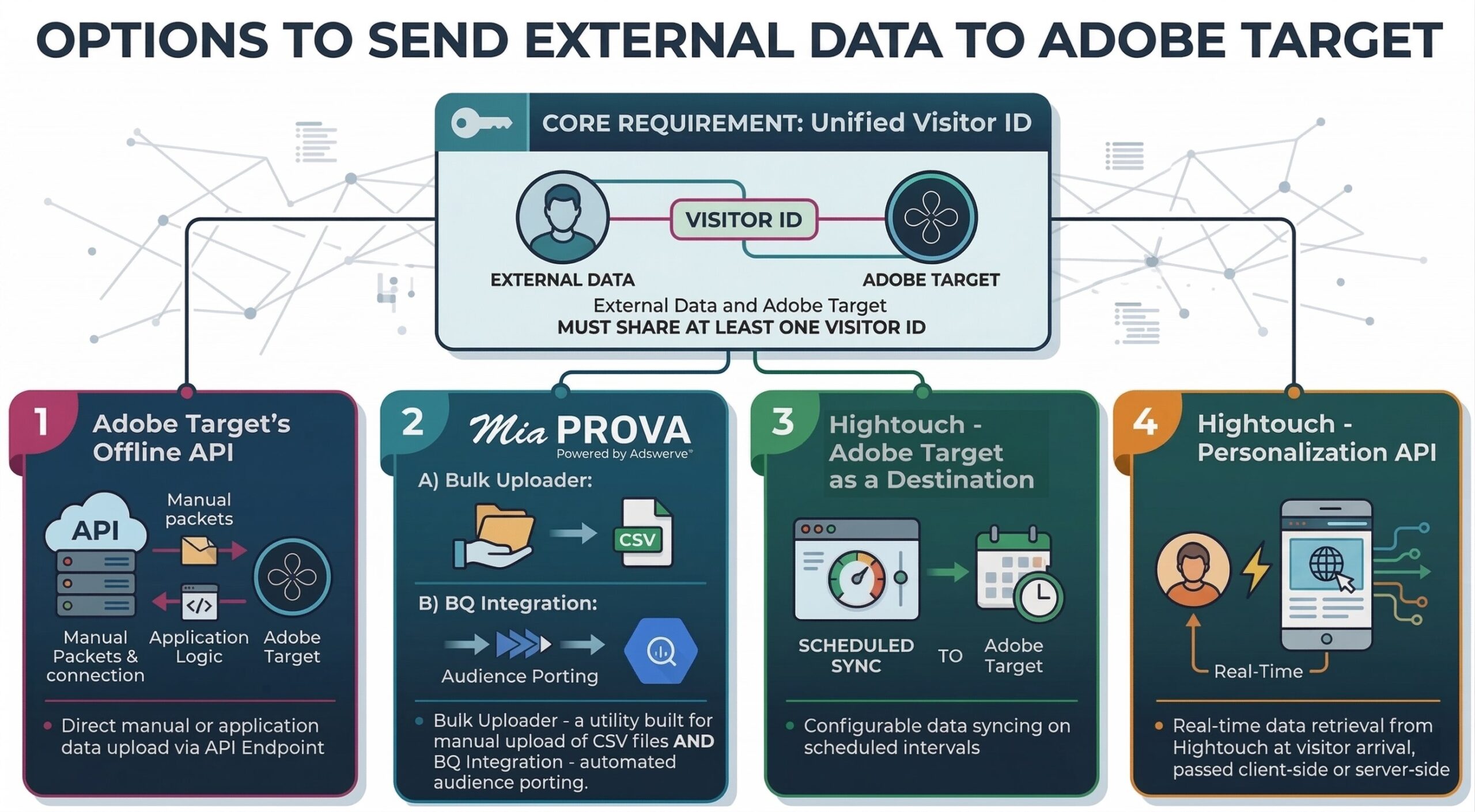
This post walks through two practical ways a Hightouch user can bring warehouse attributes into Adobe Target so you can target audiences and personalize experiences with the same governed warehouse logic your business already runs on:
- Offline profile syncing into Target’s profile store (great for stable attributes & audience flags)
- Real-time enrichment using Hightouch Personalization API (great for fast-changing / computed-at-request-time attributes)
The core Target concept you need to get right: identity
Before we talk about pipelines, you need a clean plan for who you’re updating.
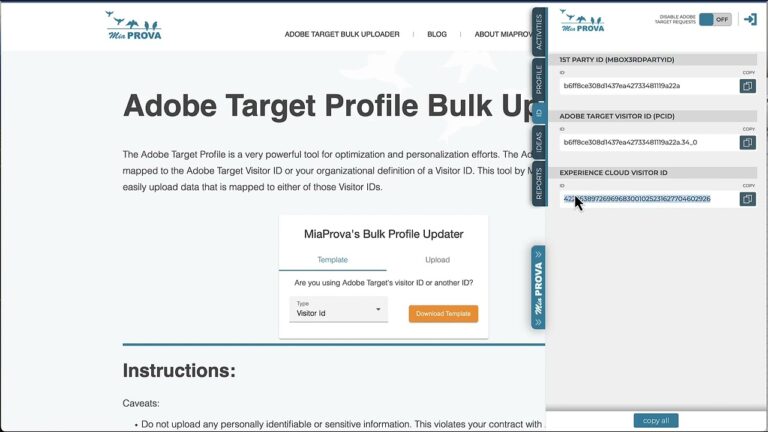
Adobe Target’s mbox3rdPartyId is essentially “your ID for this person” (loyalty ID, customer ID, membership ID, etc.). When you pass it, Target links it to Target’s own anonymous ID (PCID) and merges profiles, with the 3rd-party ID taking precedence in merge conflicts.
In practice, that means:
- If you can identify a visitor (login, known ID, authenticated session), use a stable 3rd-party ID.
- Decide whether you will use
mbox3rdPartyId/thirdPartyIdor ECIDcustomerIdspatterns—Adobe warns against mixing them for the same visitor because it can create bad merges.
Once identity is stable, everything else gets much easier.
Path 1: Offline profile syncing (warehouse → Target profile store)
This is the “reverse ETL” pattern. You compute attributes/flags in the warehouse, and push them into Target so Target can use them like native profile attributes.
Hightouch supports syncing Profiles into Adobe Target (create/update visitor profile attributes), and does it via Target’s Bulk Profile API.
When offline syncing is the best fit
Use this when:
- Attributes change daily/hourly (or even every few minutes), but not “per pageview”
- You want targeting based on modeled business logic (eligibility, lifecycle, LTV buckets)
- You want zero added latency on the Target request (because Target already has the data)
What you typically sync
Think “durable decisioning inputs,” like:
loyalty_tier: Bronze / Silver / Goldltv_12m_bucket: low / mid / highchurn_risk: low / medium / higheligible_for_offer_X: true/falsepreferred_category: “closets”, “kitchen”, “travel”, etc.
Step-by-step (practitioner version)
1) Build a model in the warehouse
Example (conceptual) output columns:
customer_id(the ID you’ll match on in Target)loyalty_tierltv_12mnext_best_categoryoffer_eligibility_flag
In Hightouch terms, this is your model (a SQL-defined dataset).
2) Configure the Adobe Target destination in Hightouch
A few key details from Hightouch’s Target destination docs:
- Adobe Target is a premium destination (Business tier plans).
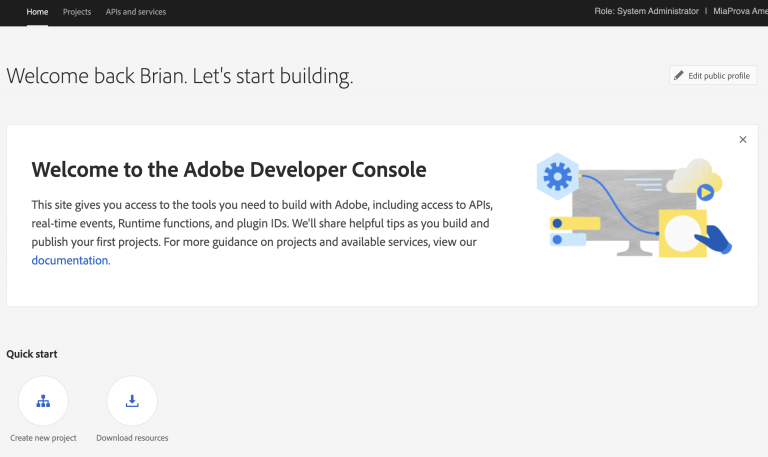
- You’ll authenticate using Adobe Developer Console OAuth Server-to-Server, and you must enable “Require Authentication” for the Target Profile API in Target admin settings.
3) Choose record matching (this matters)
Hightouch lets you match warehouse rows to Target profiles using:
thirdPartyId(recommended)pcID
In almost every real-world Target implementation I’ve seen, thirdPartyId is the cleanest long-term approach—because you control it and it’s stable across devices once associated.
4) Map fields to Target profile attributes
Map your model columns to Target fields, keeping types consistent.
My strong recommendation: don’t send raw continuous values unless you truly need them. Instead, bucketize in the warehouse (e.g., ltv_bucket) so Target targeting rules stay simple and stable.
5) (Optional but powerful) Sync “audience flags”
Hightouch can create a very simple “membership” attribute pattern for you:
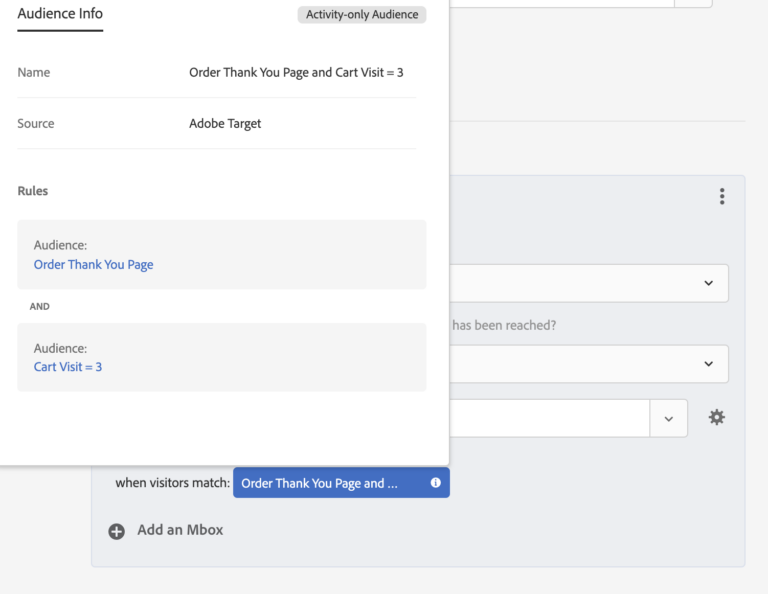
It sets a boolean attribute like __hightouch_audience_{model name} and then builds an audience that includes profiles where that flag is true.
This is a cheat code for Target teams:
- Warehouse decides membership
- Target just consumes it cleanly
- No one is rewriting complex segmentation logic in the UI
6) Use the attributes in Target
Now your Target practitioners can:
- Create audiences based on profile attributes
- Target experiences/offers accordingly
- Use attributes in personalization logic (e.g., Experience A for Gold tier)
Path 2: Real-time enrichment using Hightouch Personalization API (warehouse → low-latency API → Target decisioning)
Offline syncing is great, but sometimes you need freshness or runtime computation:
- “What products are in stock near this user right now?”
- “What’s the user’s most recent predicted propensity after last night’s model run?”
- “What’s the next-best-offer computed from their last 5 actions?”
That’s where Hightouch Personalization API fits.
Hightouch describes it as a managed, low-latency API that acts like a cache for your warehouse-defined models.
The key security rule
Hightouch explicitly recommends not calling the Personalization API directly from untrusted clients (like a browser). Instead, proxy through a service you control.
That lines up perfectly with how many Target teams already think about “decision services.”
A practical architecture for Target
Warehouse → Hightouch Personalization API → Your backend/edge → Target
- You define a “customers” collection keyed by
customer_id(or another stable key). - Hightouch materializes it into a low-latency cache and exposes HTTP endpoints.
- At request time, your backend fetches the record and then:
- passes relevant values into Target as mbox parameters, or
- uses Target server-side decisioning (Delivery API), or
- feeds Target via a Data Provider endpoint you control (more on that next)
Two ways to wire “real-time data” into Target
Option A: Your app backend calls Hightouch, then calls Target (server-side decisioning)
This is my favorite when you already have server-side rendering, an API gateway, or edge functions.
Flow:
- request comes in
- you look up user context in Personalization API
- you call Target’s Delivery API with
thirdPartyIdplus the enrichment parameters - you render the experience
Why it’s nice:
- clean latency budget control
- easy to log/debug
- no sensitive keys exposed client-side
Option B: Target calls you (Data Provider), and you call Hightouch behind the scenes
If you’re using Target’s Data Provider feature, you can implement the provider endpoint to:
- accept Target’s identifiers
- call Hightouch Personalization API
- return a lightweight JSON payload for Target to use in the activity
Why it’s nice:
- keeps page/app code simpler
- standardizes enrichment across activities
Tradeoff:
- you’re adding a dependency into the Target decision path, so your endpoint must be very reliable and fast.
Offline vs real-time: how I decide as a Target practitioner
Default to offline sync when:
- the attribute is stable enough to refresh on a schedule
- you want the simplest, fastest Target execution
- the targeting logic should be governed centrally in the warehouse
Use real-time enrichment when:
- the attribute changes frequently or needs runtime computation
- you need “latest known state” at the moment of decision
- you’re doing recommendations, inventory-aware messaging, dynamic pricing, etc.
A common hybrid that works well:
- Offline sync: tiers, buckets, eligibility flags, suppressions
- Real-time: “top 3 recs,” nearest store, in-stock decisions, session-aware context
A concrete use case example (what this looks like in the real world)
Let’s say your warehouse defines:
eligible_free_shipping = trueloyalty_tier = "Gold"category_affinity = "Closet Organization"recommendations = [SKU123, SKU456, SKU789]
You might implement:
- Offline sync of
eligible_free_shipping,loyalty_tier,category_affinity(fast audience targeting inside Target) - Real-time pull of
recommendations(because the list is larger, changes more often, and you don’t want to jam it into profile attributes)
Then Target can:
- Target an activity to
eligible_free_shipping == true - Personalize hero copy based on
category_affinity - Populate a “Recommended for you” module with the real-time SKU list
Implementation checklist (the stuff that prevents headaches)
- Identity
- Pick your “known user” key (usually
thirdPartyId) and implement it consistently
- Pick your “known user” key (usually
- Data modeling
- Prefer buckets + booleans over raw continuous values
- Sync hygiene
- Ensure IDs are unique to avoid mis-updates
- Decide delete behavior: do nothing vs clear fields managed by Hightouch
- Real-time safety
- Don’t call Personalization API from the browser; proxy it
- Activation simplicity
- Consider syncing “audience flags” to keep Target UI rules dead simple
Where this gets really fun (Target team payoff)
Once Target can “see” warehouse attributes, you stop building fragile, one-off targeting logic and start operating like a modern decisioning system:
- Personalize by lifecycle stage (acquisition → onboarding → retention)
- Suppress promos for high-LTV users who don’t need them
- Show different experiences by account health (B2B)
- Trigger messaging based on modeled propensities
- Keep your personalization consistent across Target, email, paid media, and in-app
And most importantly: your Target activities stop being disconnected experiments and start becoming the activation layer for your warehouse truth.