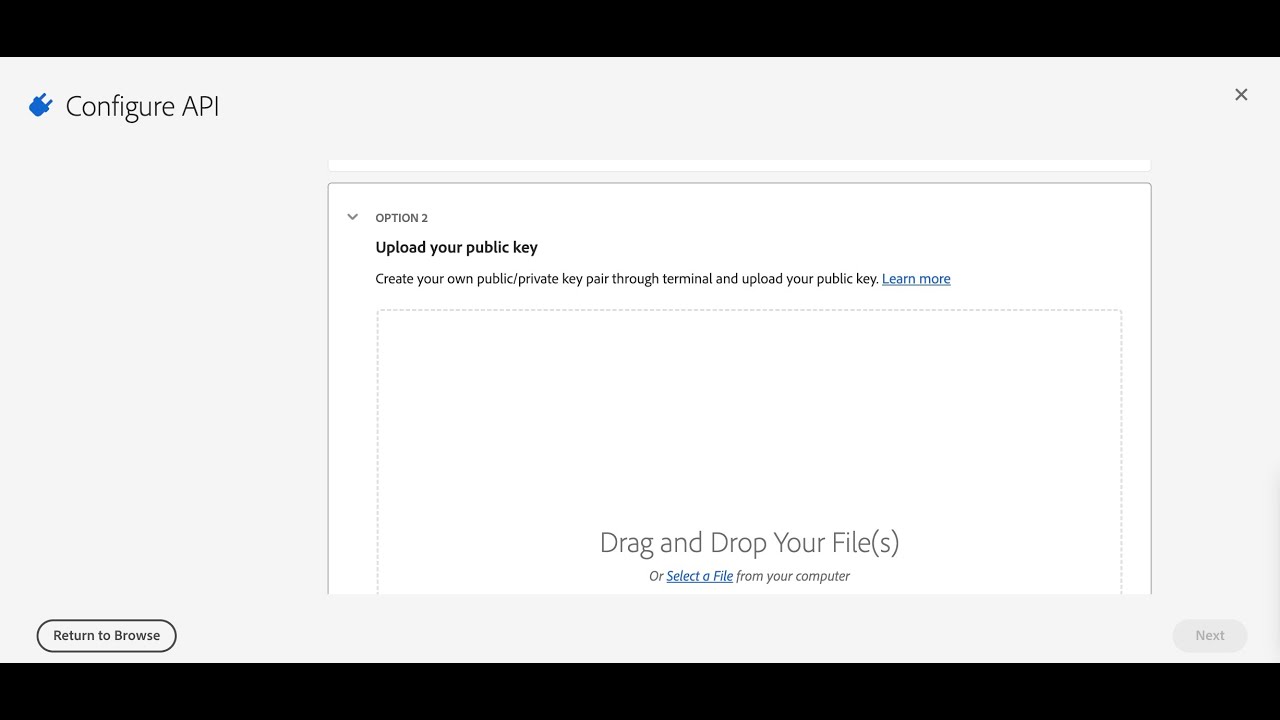
Organizations connect their Adobe Target and Adobe Analytics accounts to MiaProva via Adobe I/O. MiaProva provides a digital certificate to organizations to upload to Adobe I/O to make the connection happen.
After 12 months, Adobe automatically expires all certificates. MiaProva sends out an alert when the certificate expiration date is nearing. This video shows how to download a new certificate from MiaProva to upload to Adobe I/O, which extends the connection for another 12 months.
as you may know mia provo does a lot of its magic by connecting to adobe io and how we make that connection with every new tenant is we provide a certificate so i’m in the admin console to be improva jump over to the test setup section so you would download this certificate this is your adobe target client id and this is your adobe analytics api id as well which are available within the respective accounts but what i wanted to highlight here is just how to update the certificate in adobe io when the certificate is initially uploaded it is good for one year or 13 or 12 months and then automatically expires mia provo provides notifications when these uh alerts and notifications when um the certificate is is nearing that expiration date adobe sends out notifications as well and so i want to show you how how we can update it to a current adobe io project so simply log in download the certificate that will automatically generate a new one for you and then you would go over to adobe io so all of your you would go to console.adobe.io you’ll be redirected to the developer center here and make sure you’re connected to your organization a lot of adobe admins have their own um you know different project areas for their own little projects but you want to make sure you have the organizations and to make sure that you’re the system administrator then simply go to projects and we could go let’s just pick uh this one a prod so this is our project and you can see our two api connections here adobe analytics and adobe target and this is our credentials jwt and if i scroll down you can see in this section we’ve got two previous certificates we’ll just simply add a public key and then i’ll upload this certificate right there oh it’s uploaded the certificate because i’m already in use but but you kind of get the point you just simply update the certificate and then mia proves automatically updated and we’re able to continue things uh within here with a connection to adobe analytics as well as adobe sorry adobe target and as well with adobe analytics as well so that’s it if there’s any questions or anything please let us know
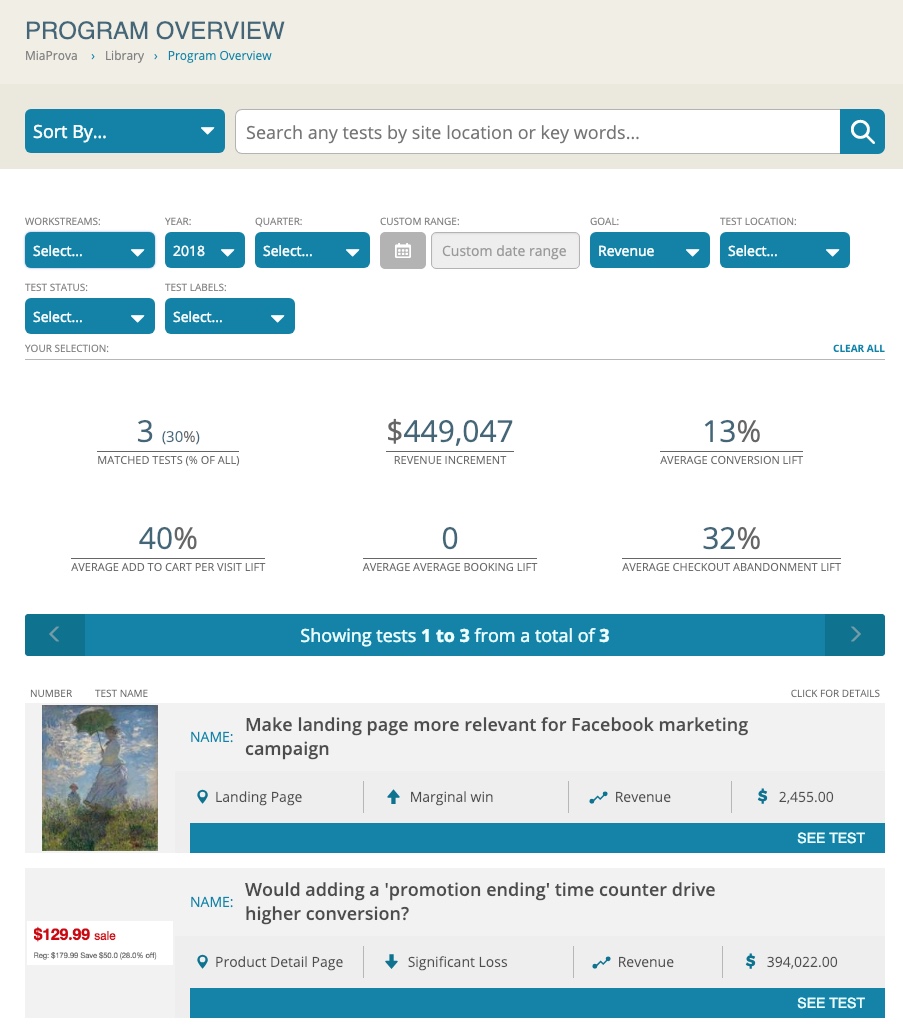
Like you, we love data… As we are closing out the year here at MiaProva, we took a step back to examine some numbers and trends over the last year. Like you, we love data and thought we should share just a few of the interesting tidbits here. MiaProva Application 22,988 Adobe Target Activities are…
Many optimization programs find themselves having a requirement to limit the number of times an offer from Adobe Target gets shown to visitors. The offer could be anything really but this type of ‘offer capping’ is usually applied to overlays or modals of some sort. Organizations would like to have the offer displayed two or…
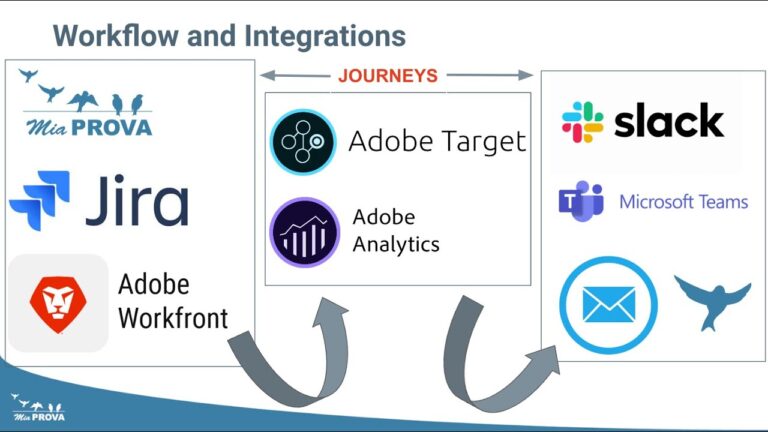
We recently updated MiaProva with additional features and functionality. Here is a list of some of the enhancements that we review in this Video:
– Download Swimlane information – Program and Journey Specific Notifications – JIRA – Workfront – Side Panel configurations – Field length for multi/single select values – Updated Template for Email Summary – Add Naming functionality for Creative URL – Updated Text on Home Page for Activities – Removed drag and drop for General User type – Various performance enhancements – Images sorting
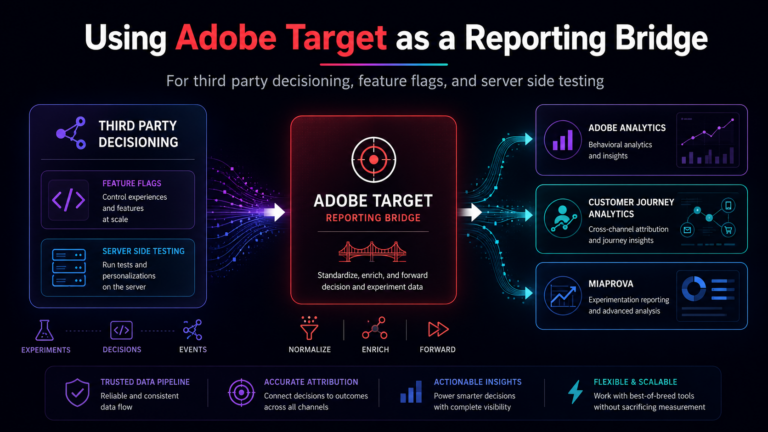
One of the harder parts of experimentation reporting is not the decisioning itself. It is getting the decisioning data into the reporting layer in a way that survives real world complexity. A MiaProva customer recently ran into this exact issue. They had recently added a third-party content decisioning and feature flagging platform to their stack….
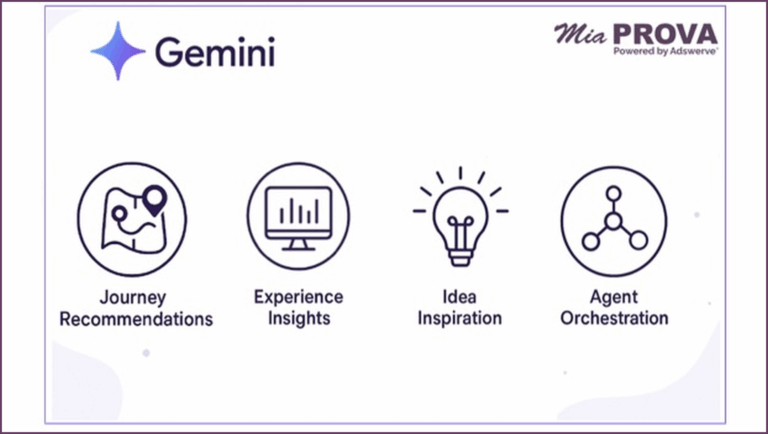
Meta description: MiaProva’s Gemini powered AI turns experimentation and personalization into a faster, clearer, and more scalable practice. It covers Journey Recommendations, Experience Insights, Idea Inspiration, Offer Generation, and agent orchestration at the organization level, with MCP services and a NotebookLM style capability on the way. Why this matters now Most teams do not lack…
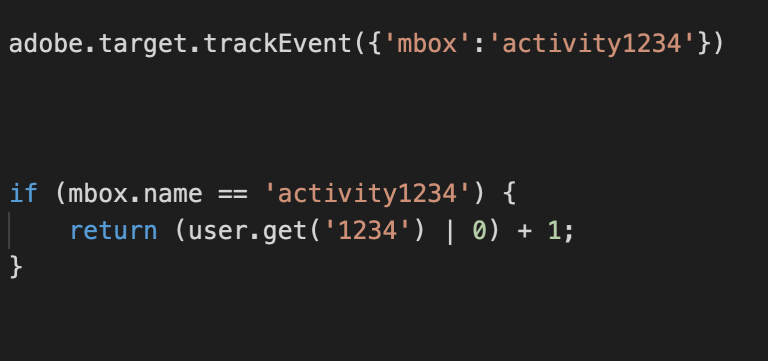
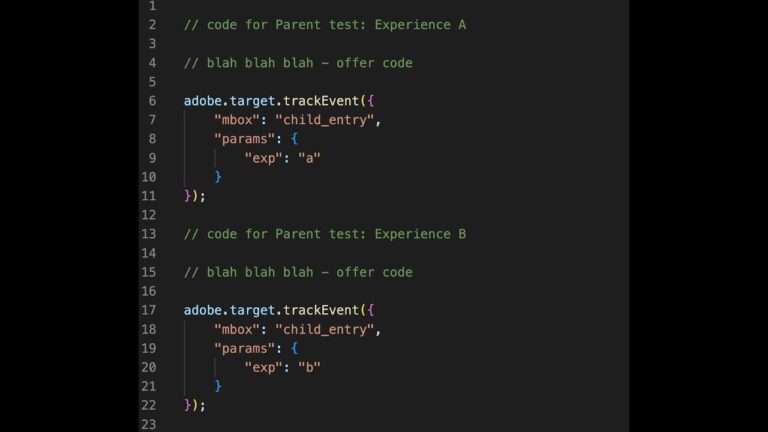
WIth Adobe Target, you can have two Activities work together to assign users to groups after some behavior has occurred or any other event that you would like. This video outlines this very helpful approach.