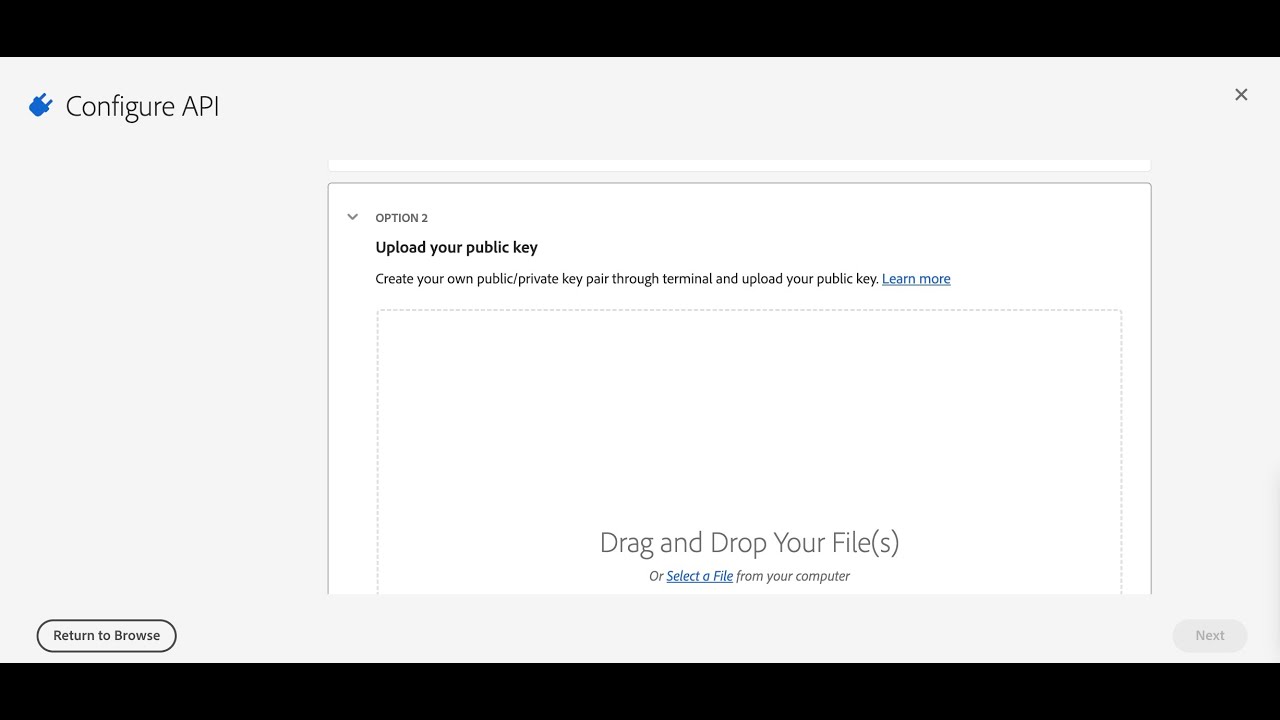
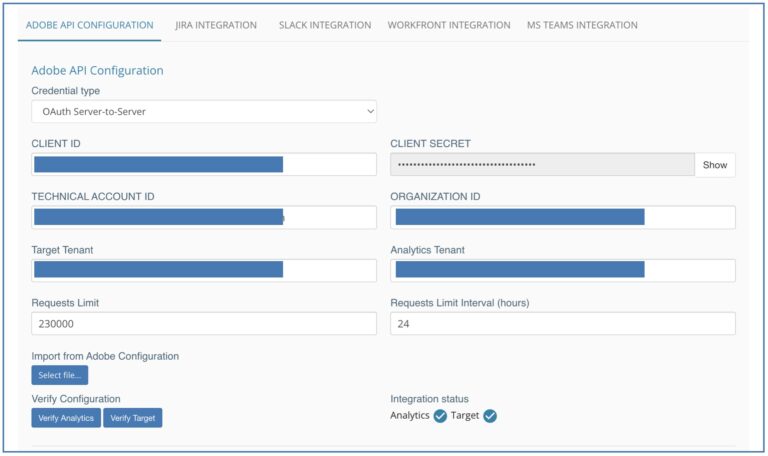
Organizations connect their Adobe Target and Adobe Analytics accounts to MiaProva via Adobe I/O. MiaProva provides a digital certificate to organizations to upload to Adobe I/O to make the connection happen.
After 12 months, Adobe automatically expires all certificates. MiaProva sends out an alert when the certificate expiration date is nearing. This video shows how to download a new certificate from MiaProva to upload to Adobe I/O, which extends the connection for another 12 months.
as you may know mia provo does a lot of its magic by connecting to adobe io and how we make that connection with every new tenant is we provide a certificate so i’m in the admin console to be improva jump over to the test setup section so you would download this certificate this is your adobe target client id and this is your adobe analytics api id as well which are available within the respective accounts but what i wanted to highlight here is just how to update the certificate in adobe io when the certificate is initially uploaded it is good for one year or 13 or 12 months and then automatically expires mia provo provides notifications when these uh alerts and notifications when um the certificate is is nearing that expiration date adobe sends out notifications as well and so i want to show you how how we can update it to a current adobe io project so simply log in download the certificate that will automatically generate a new one for you and then you would go over to adobe io so all of your you would go to console.adobe.io you’ll be redirected to the developer center here and make sure you’re connected to your organization a lot of adobe admins have their own um you know different project areas for their own little projects but you want to make sure you have the organizations and to make sure that you’re the system administrator then simply go to projects and we could go let’s just pick uh this one a prod so this is our project and you can see our two api connections here adobe analytics and adobe target and this is our credentials jwt and if i scroll down you can see in this section we’ve got two previous certificates we’ll just simply add a public key and then i’ll upload this certificate right there oh it’s uploaded the certificate because i’m already in use but but you kind of get the point you just simply update the certificate and then mia proves automatically updated and we’re able to continue things uh within here with a connection to adobe analytics as well as adobe sorry adobe target and as well with adobe analytics as well so that’s it if there’s any questions or anything please let us know
Successful testing programs require strong collaboration across cross-functional teams. With the MiaProva platform, we have built in various features to seamlessly make collaboration easier. With an easy to use interface, testing managers can increase stakeholder buy-in and promote efficiency in the testing process, starting from ideation all the way through knowledge sharing. Generating and sharing…
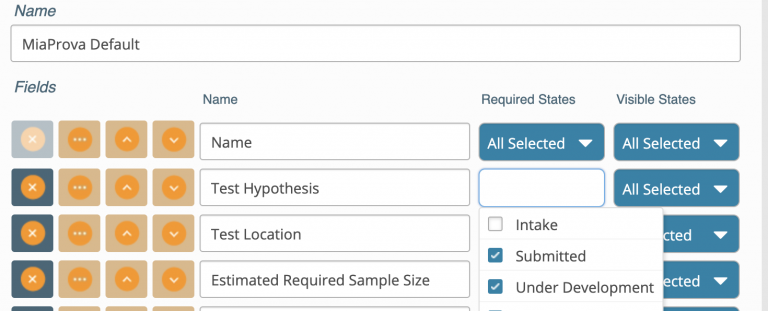
At the earlier stage of optimization programs, MiaProva provides a standard test ticket in-take form that is based on industry best practice. Our hope is to guide users to carefully consider all factors that can impact their tests downstream. As most of our clients reach a level of maturity and sophistication in their testing program,…
The Container Store, a leader in storage and organization solutions, partnered with Adswerve to reimagine its Product Detail Pages (PDPs) through a data-driven redesign. By leveraging Adobe Target and Analytics for Target (A4T), the team turned a complex vision into a streamlined, testable execution that delivered measurable results—boosting revenue, conversions, and cart activity with statistical…
Recently, MiaProva had the chance to join the team at Adobe Personalization Thursday’s where we got to talk about Test Management. The webinar was a great opportunity for us to share Test Management best practices that we’ve consolidated into what is MiaProva today. Below is a quick review of the session but we recommend that you check…
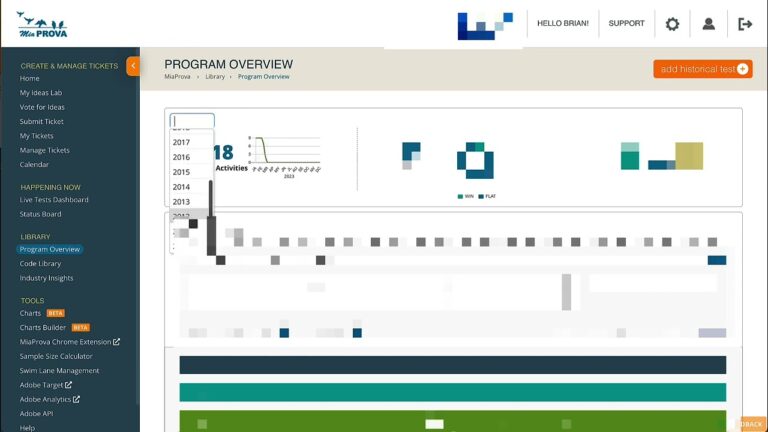
Historically, MiaProva would only provide Adobe Target usage reports from when they started using MiaProva. We have since changed that and now provide reporting on their usage of Adobe Target since they started using it. Many of our customers have been using Target since 2010 or even earlier!
This video shows some of this functionality in action.
Here is a nice primer on how the Adobe Developer Console provides credentials to Projects within Adobe I/O. MiaProva was built using JWT, and is thrilled Adobe is moving to OAUTH and deprecating JWT.
This video also demonstrates how easy it is for current MiaProva customers to update their Adobe credentials from JWT to OAUTH.
All future MiaProva customers will immediately be able to leverage OAUTH as their default method to connect to the Adobe Developer Console.