
MiaProva Instant Alerts
With MiaProva’s groundbreaking, patent pending automated monitoring service, you no longer need to worry about testing experiences breaking on the web site and impacting your customers!
With MiaProva’s groundbreaking, patent pending automated monitoring service, you no longer need to worry about testing experiences breaking on the web site and impacting your customers!
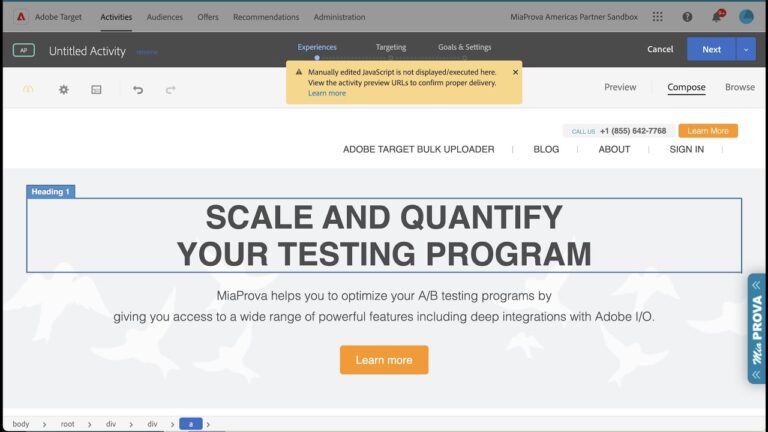
Automated Personalization is one of my favorite tools in Adobe Target. There is one nuance, though, when you wish to use custom code to define the experiences used by the models or for random distribution. This video outlines a quick workaround.
A well-rounded testing program not only requires innovative strategy and flawless execution, but also solid reporting and documentation of learning.
Many testing teams find the reporting and documentation work time-consuming, manual and repetitive.
MiaProva leverages your existing testing solution’s data integration APIs and automates significant amount of testing reports.
Your business partners often want on-demand updates of how their tests are doing, as well as transparency around where their tests are in the global prioritization queue. In an increasingly AI-driven, Alexa/Siri smart home world, they do not necessarily want to log in a tool to read dashboards.
MiaProva’s intelligent Mobile App takes a humanized Q&A approach to directly answer some most key test questions that end users might have. Instead of having to find answers in complex dashboards, business stakeholders can simply ask MiaProva’s smart app questions such as ‘how is my test doing’, either through voice interaction or click-n-see.
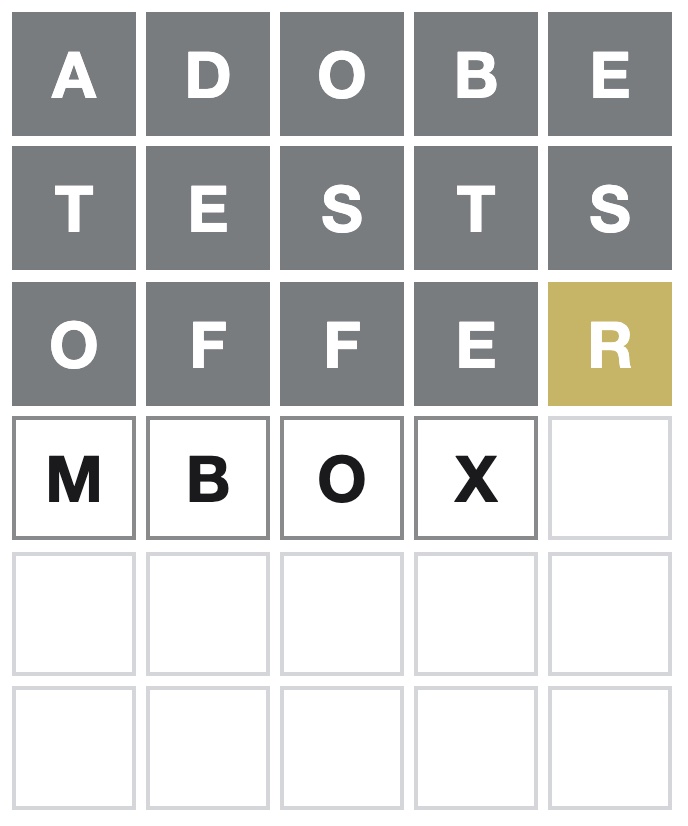
This video demonstrates how easy it is to get data from Local Storage to Adobe Target for audience creation and to target.
Spoiler Alert: This video shows how to see today’s Wordle answer, so please don’t watch it if you don’t want to see it.

MiaProva is thrilled to announce our custom and highly advanced integration of Adobe Workfront to MiaProva.
MiaProva automates the mapping of data from Adobe Analytics + Adobe Target to Adobe Workfront Projects, thus enabling the ROI of each Project.
* How A4T can provide the mechanisms to align organizationally, scale your optimization program, monitor the program in aggregate, and leverage metric-driven AI
* Automation with Target and putting the metrics and audiences from Analytics to work for you
* Incorporating Automation to advance the journeys of your digital consumers