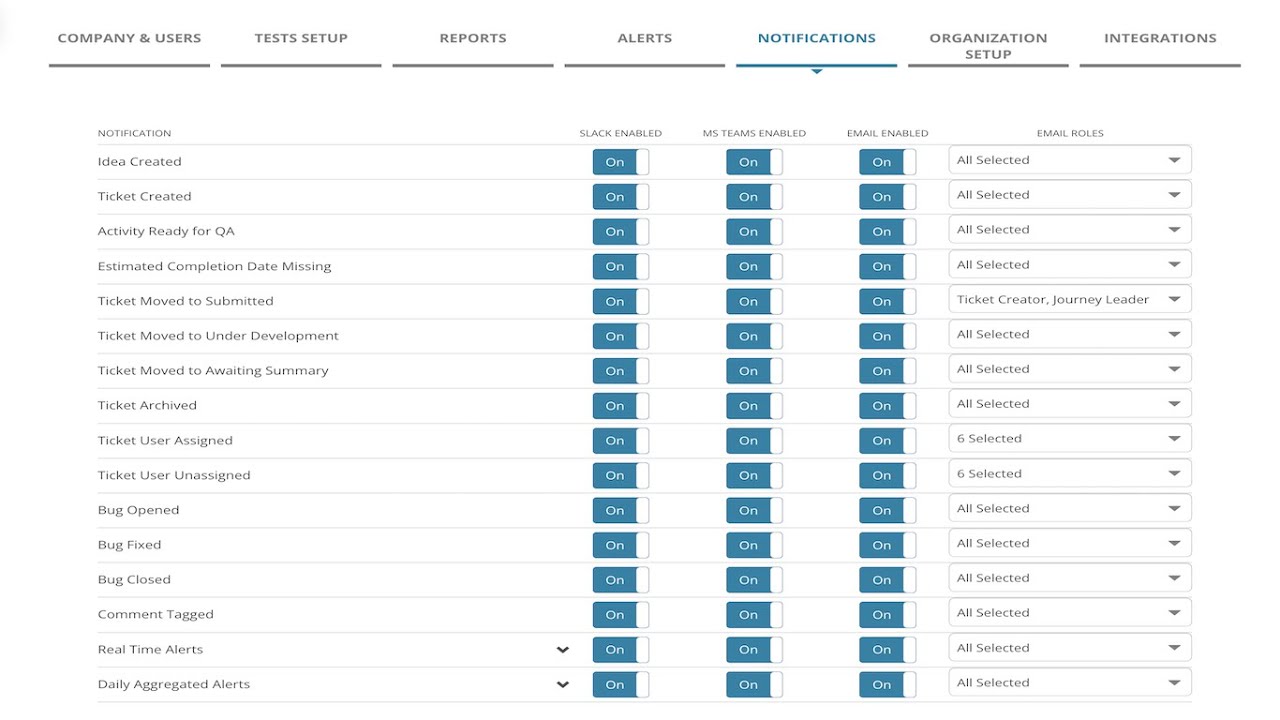
MiaProva has delivered considerable value for organizations through our notifications as events happen in MiaProva and when there are issues related to their Activities that are Live in Adobe Target.
We’ve now expanded on that ability to Microsoft Teams. Now, organizations can update one of their Teams to get a real-time feed when a new Activity is submitted or archived, a negative lift with confidence has been seen, a sample ration mismatch has been detected, or any other of the many events that MiaProva monitors.
The video discusses the integration of MiaProva with Microsoft Teams, which allows for notifications related to workflow and performance events in MiaProva to be sent to Teams. The notifications can be configured based on roles within MiaProva and can also be sent to Slack. The integration is straightforward and notifications appear in a separate channel within Teams. The video provides examples of the types of alerts that can be configured and how they appear in Teams. A daily aggregated alert is also provided. Viewers are encouraged to ask questions if they have any.
Transcript: (00:00) this is a quick video outlining the integration Mia Prova provides with Microsoft teams so those of you familiar with Mia Prova are aware of all the notifications that we provide via email via slack and now via Microsoft teams so these are a combination of workflow related events like if an activity is ready for QA if a ticket is being archived if there’s been a bug you know things along those lines a typical workflow for a test or personalization activity being configured and we also provide performance related uh (00:37) notifications as well when the code has been changed in Adobe Target the kpi metric is above or below the threshold and we also send out a daily aggregated alert as well and so these can be configured by roles within miaprova but also they can be sent along to slack and Microsoft teams the integration to teams is very straightforward it’s available within this part you would get this information from the documentation that your Mia Prova account would provide and what that would look like within Microsoft (01:11) teams is exactly like this so you’d have a your whatever teams that you’re using today there’d be a kind of Channel within it and you whatever alerts or notifications you configured within your Mia Pro account would flow right in here you can see some alerts related to sample ratio mismatch you can see here that’s missing an estimated to have completion date all related to whatever you configured for your particular account so you’ll also get a daily aggregated alert with everything that’s (01:43) going on across the activities that are live but here you can see performance related alerts where you could see that no success events in the last 12 hours and things like this and these are always very these are specific to the journey that was configured within Mia Provo so if there’s any questions please let us know
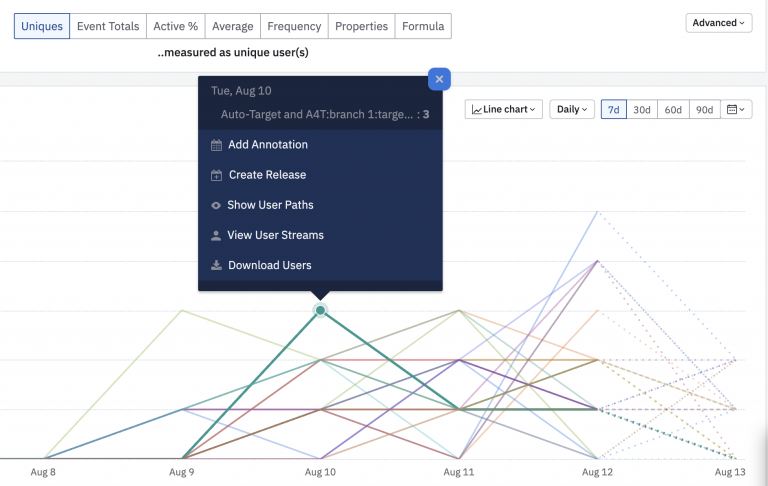
Amplitude is a Digital Optimization System that we have been asked about quite a bit lately. It turns out, MiaProva has some friends there from our Omniture and Adobe days, and so we got a much closer look at the solution and some of the use cases that organizations are using it for. They offer…
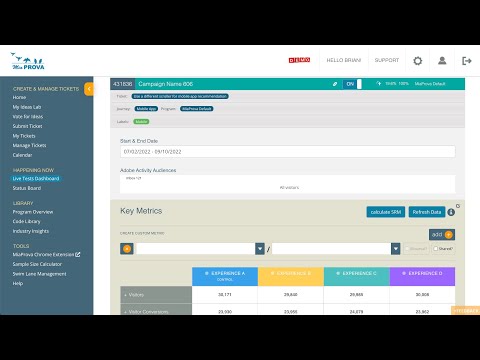
This video provides a brief overview of the Happening Now section of the MiaProva application. Here users can see all Activities that are live, any associated alerts, and real-time data for A4T and non-A4T Activities.
The MiaProva status board also provides management of all Live Activities and the MiaProva tickets across the various stages of the Activity lifecycle.
Adobe Target teams are sitting on an incredible amount of signal – activities, offers, audiences, A4T data, and years of experimentation history. The hard part isn’t having data; it’s knowing what to do next. In a new early-peek demo, we walked through the Adobe Intelligence Services we’re building inside MiaProva to make that “what next?”…
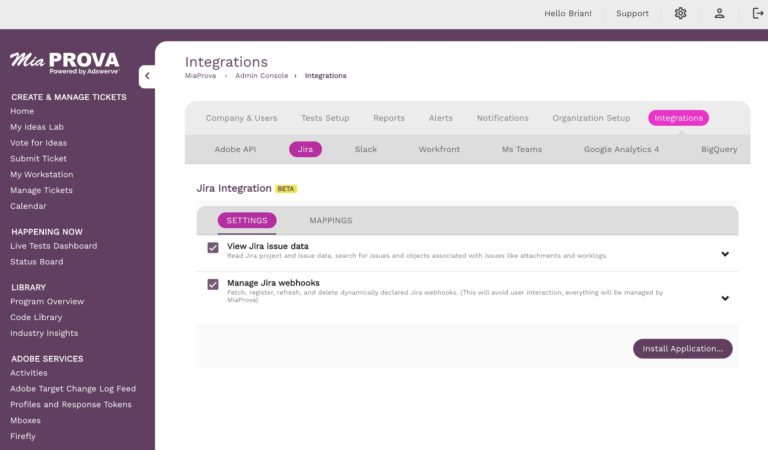
MiaProva JIRA Integration: Streamlining Experiment Management In today’s fast-paced digital landscape, businesses rely on experimentation and optimization to enhance user experiences and drive better outcomes. Managing these experiments efficiently requires seamless integration between analytics platforms and project management tools. Enter MiaProva’s JIRA integration, a powerful solution that bridges the gap between experimentation data and agile…
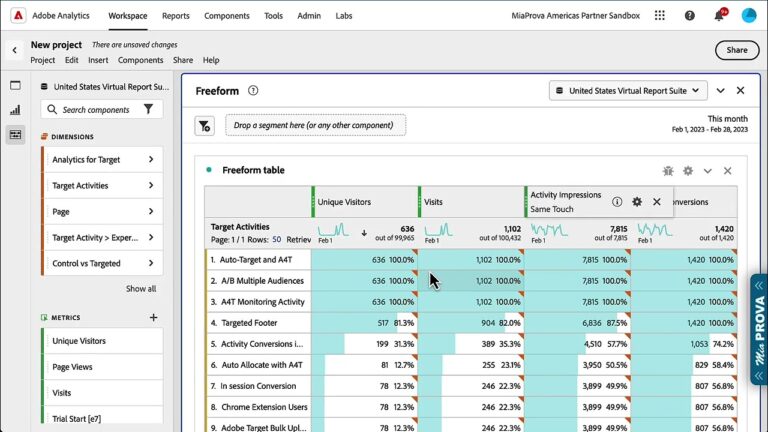
Analytics for Target (A4T) – using Adobe Analytics as the Reporting Source for your Adobe Target Activities is one of the most powerful features of Adobe Target.
A4T enables several components in Adobe Analytics, including Activity Impressions and Activity Conversions. This video explains how to use them and what they mean in Adobe Analytics based on what you have configured in Adobe Target.