
Adobe Target Click Tracking Activity Conversions
Video highlights how users can leverage Adobe Target to track clicks and have that data available in Adobe Analytics.
Video highlights how users can leverage Adobe Target to track clicks and have that data available in Adobe Analytics.
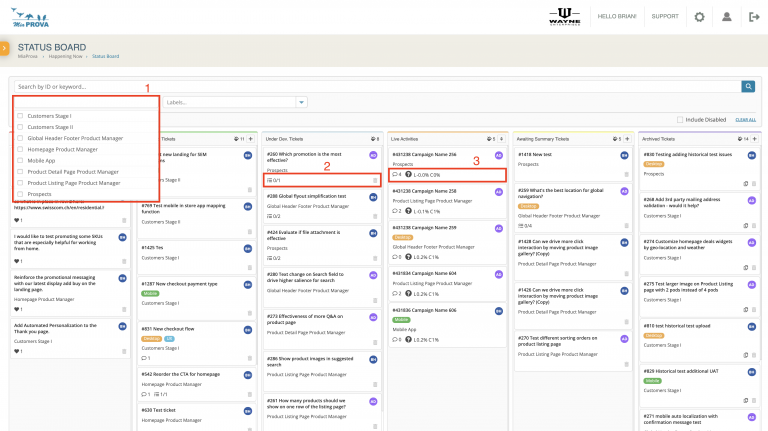
MiaProva provides the tools to effectively manage optimization programs. Our kanban board is just one of the several ways we help organizations manage concurrent testing roadmaps.

Here we address a measure slack question regarding how the mbox3rdPartyId is stiched to Activities and Adobe Target will always show each mbox3rdPartyId their original assignment.
Here we detail how an organization can use Adobe Target to test or throttle in Adobe’s Experience Manager.
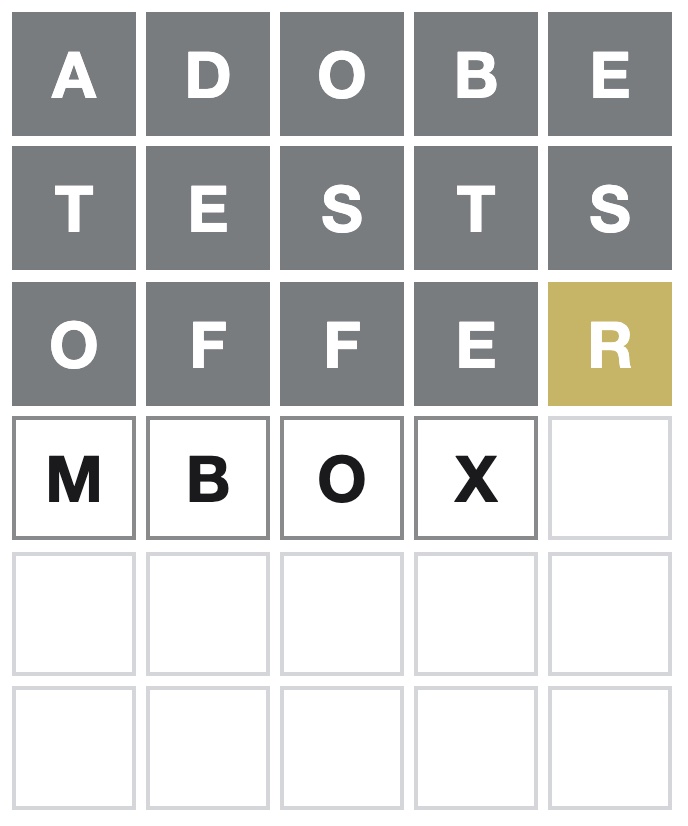
Spoiler Alert: If you don’t want to know today’s Wordle answer or how to access the solution without playing, please do not watch the video below. Local Storage Most websites widely use local Storage to store and access data. This data doesn’t expire like cookies and can hold considerably more data than cookies. Because of…
Testing demands very strong cross functional collaboration in any organization, and testing managers often need to manage complex dependencies and varying timelines from different internal teams involved.
MiaProva is the industry first, streamlined workflow management tool developed by and for testing professionals!