
Adobe Experience Manager Adobe Target
Here we detail how an organization can use Adobe Target to test or throttle in Adobe’s Experience Manager.
Here we detail how an organization can use Adobe Target to test or throttle in Adobe’s Experience Manager.
Video highlights how users can leverage Adobe Target to track clicks and have that data available in Adobe Analytics.
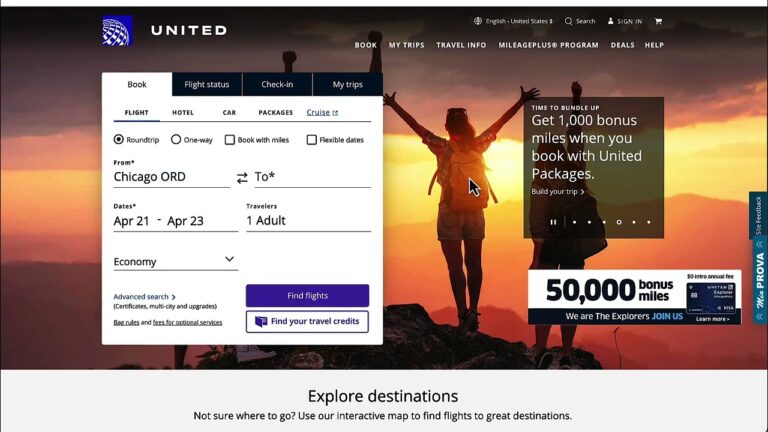
I have long been a big fan of Automated Personalization (AP) in Adobe Target. One of the critical features to extract as much value from it as possible is Report Groups for offers used in AP.
Report Groups allow you to folder or bucket similar offer themes. One client of mine recently took my advice to do this exercise and, since doing so, has realized a 28% lift with the targeted group vs. control by raising the conversion lift to 9% from 7%
This video shows you this concept in action.
MiaProva built this free utility to allow organizations to quickly and easily upload data to Adobe Target for targeting and personalization services. This video also explains how Adobe Target enables users to use the visitor ID Adobe Target provides and how to leverage your own internal definition of the visitor ID.
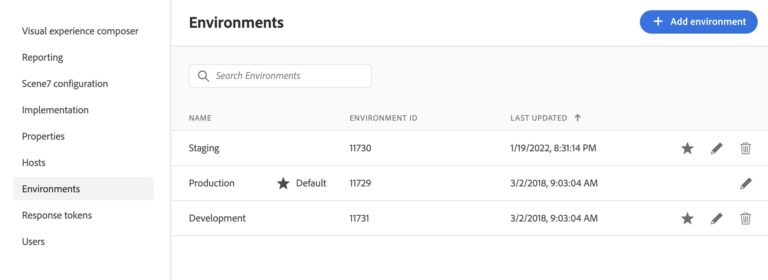
One of our customers here at MiaProva is expanding their testing efforts and use of Adobe Target well beyond their www and mobile site. They are bringing Adobe Target to their Email Platform, and we are helping them do so. The magic that is making this possible is Adobe Target’s Delivery API. You have to…
Effectively retaining past test learning helps organizations to gain, over time, a comprehensive body of knowledge about the site section that they are optimizing. In addition, it helps to avoid the pitfall of repeatedly testing similar concept by different teams as organization changes over time.
MiaProva to a large extent automates the knowledge library that collects all past test details and learning. Minimum manual effort is needed by testing managers to update the library, and MiaProva provides a powerful text-search engine to allow end users to quickly find relevant tests by keywords.
This video demonstrates how easy it is to get data from Local Storage to Adobe Target for audience creation and to target.
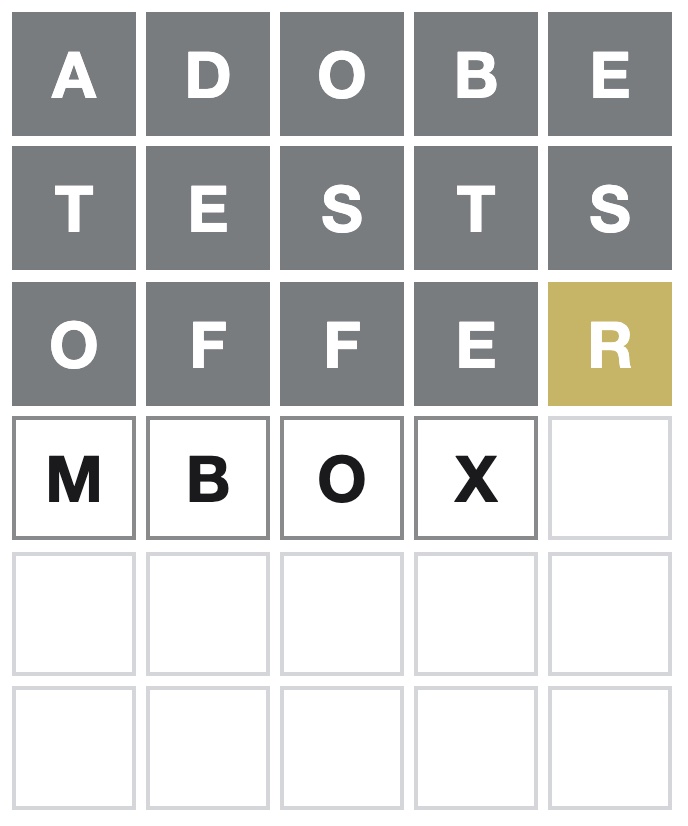
Spoiler Alert: This video shows how to see today’s Wordle answer, so please don’t watch it if you don’t want to see it.