Automated Personalization is one of my favorite tools in Adobe Target. There is one nuance, though, when you wish to use custom code to define the experiences used by the models or for random distribution. This video outlines a quick workaround.
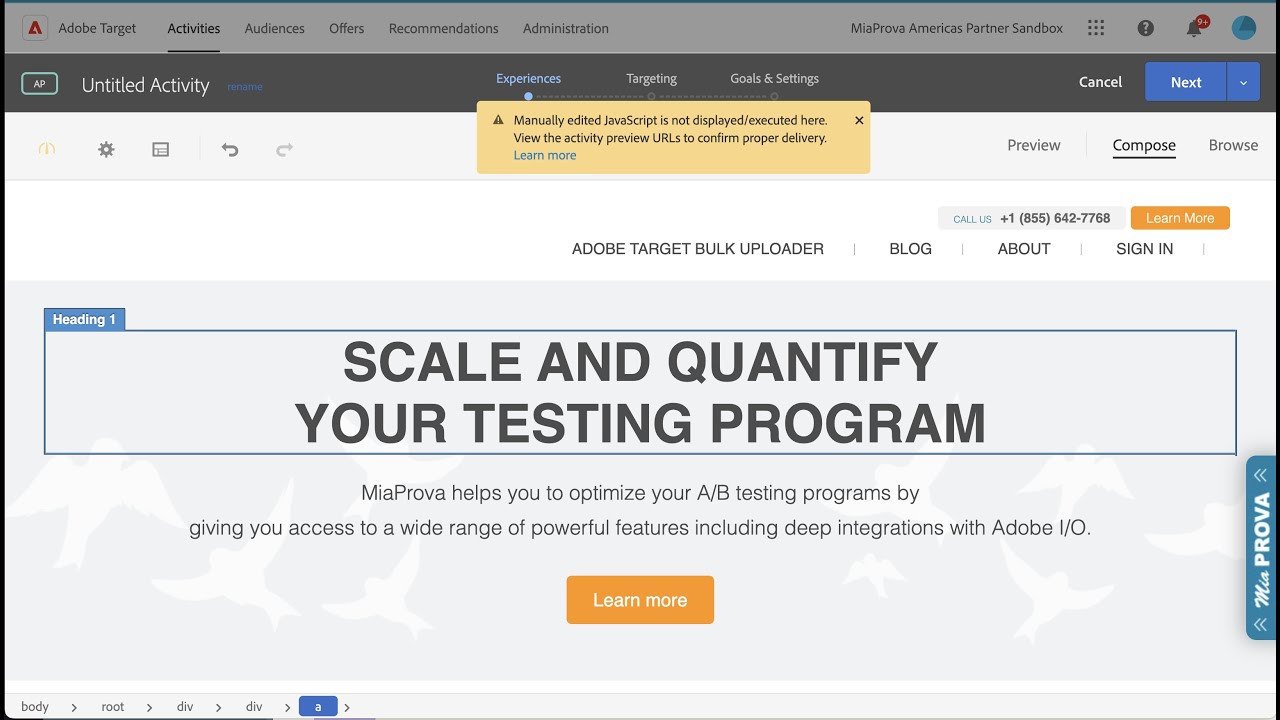
In this video, the speaker talks about using custom code in automated personalization activities within Adobe Target. They explain that while the visual editor in Adobe Target allows for modifications, adding custom code is not an option in creating an automated personalization activity. The workaround suggested is to grab something static on the page and add custom code to it, while ensuring that the source code of the image is maintained. The speaker emphasizes the usefulness of custom code in automated personalization and suggests this workaround for situations where it is needed.
Transcript: (00:00) okay so this is a pretty quick video I’m putting together because uh it’s come up a lot recently uh regarding using custom code in automated personalization activities so um I’ll just kind of show in the details here so a little bit of background uh at analytics demystified I help a lot of companies with the use of automated personalization uh Mia Prova there’s tons of companies using automated personalization where we do different things well anyways um I had a interesting situation come up like I said quite a few times where you (00:34) wanted to inject custom code and I’ll show you where this comes in so using the visual editor in Adobe Target you have the ability to modify things as you wish really powerful to do different things I use it as often as I can to do what I need to do to set up tasks but there are situations especially being a little bit more technical where I need to add in inject custom code which I do over here very very helpful to do for all sorts of different things if you’re doing kind of like a blended server-side (01:04) client-side thing setting a cookie you know setting something to the data layer really really cool stuff uh and helpful but that option is not available in um creating an automated personalization activity I’ll show you what I’ve been here and the reason why is because the visual editor or automated personalization needs to know and coordinate when you’re used when you’re making modifications in more than one area of real estate so if you’re modifying something here you know you would just you know modify make the (01:41) modification uh hello world and let’s say you wanted to add in another offer you would edit the content added another one you would say hello world two and it works it’s really good and effective and especially if you want to control content across different zones or different areas of real estate um but if you’re not or if you can manage that offline on your own there’s no ability to inject custom code so in this particular client they’re introducing new overlays to the site and so they just want a nice easy way to inject (02:28) custom code and so the workaround is this grab something on the page so basically get rid of this location and so you’re going to come in grab something that is static that won’t change that is available on the site and we’ll be there every every time and so here you got the home page reference to our image and then you would add in your JavaScript here to do you know whatever you’re doing and then just keep adding text HTML offers but always maintain the source code of the imagery otherwise what will (03:09) happen is if you replace it with let’s say just JavaScript here to do your thing um oh the log to do you will end up overriding your image and so if that variant were to come up so you always want to maintain that image anyways quick video I thought that’d be helpful especially when using custom coded automated personalization which is very very helpful take care
Testing demands very strong cross functional collaboration in any organization, and testing managers often need to manage complex dependencies and varying timelines from different internal teams involved.
MiaProva is the industry first, streamlined workflow management tool developed by and for testing professionals!
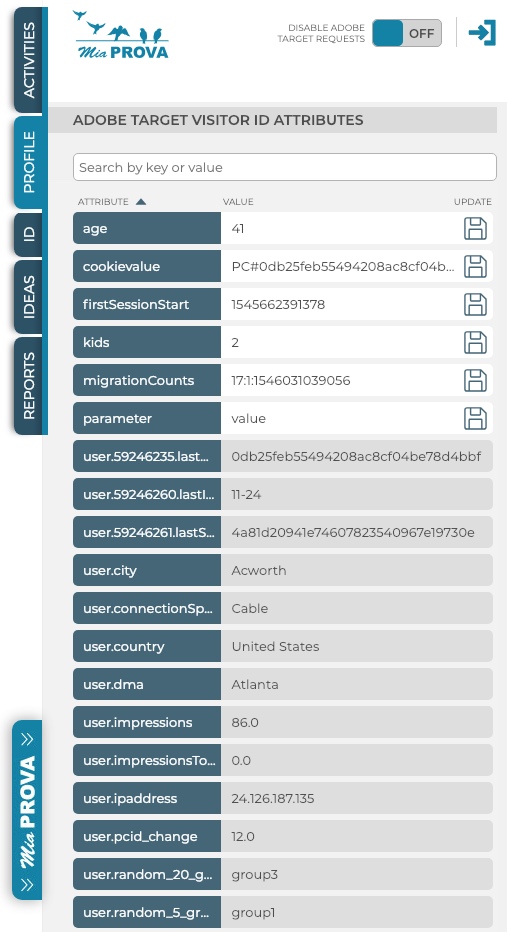
Our free Chrome Extension for Adobe Target has been very helpful with raising functionality awareness around the value that 1st-Party optimization programs bring. The extension helps Adobe Target practitioners see and understand how data is mapped, not only to the Adobe Experience ID and Adobe Target ID but also to their internal organization ID –…
Optimization Management is so much more than managing the intake and output of tests. A true Optimization Management Platform enables the organization to monitor tests or groups of tests and answers the big questions about their testing program as a whole and their investments in resources and technologies. MiaProva automatically stitches the organizational meta-data related…
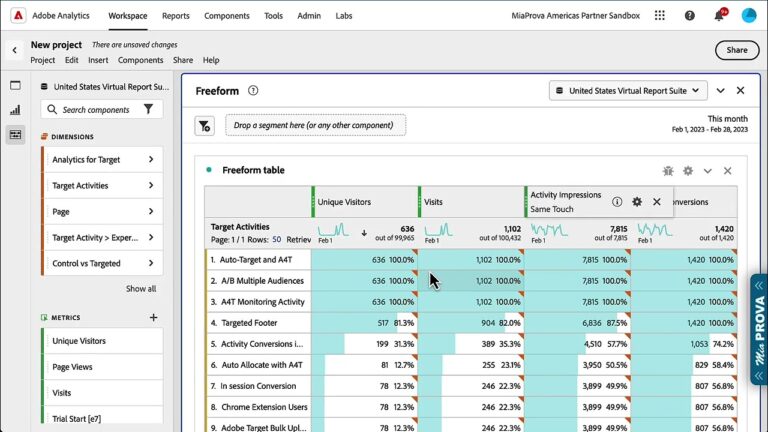
Analytics for Target (A4T) – using Adobe Analytics as the Reporting Source for your Adobe Target Activities is one of the most powerful features of Adobe Target.
A4T enables several components in Adobe Analytics, including Activity Impressions and Activity Conversions. This video explains how to use them and what they mean in Adobe Analytics based on what you have configured in Adobe Target.
Adobe Target allows you to target audiences that are not in other tests. But what happens if two activities are running at the exact location? What will Target do?
This video answers that and explains how you can manage things differently.
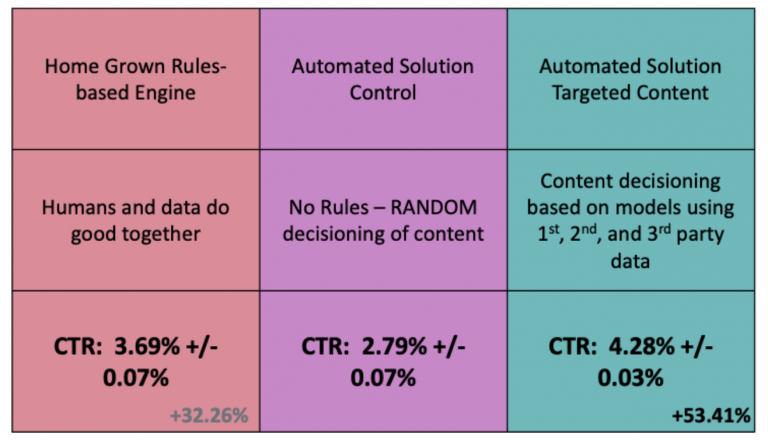
I have long been a big fan of Automated Personalization (AP) in Adobe Target. One of the critical features to extract as much value from it as possible is Report Groups for offers used in AP.
Report Groups allow you to folder or bucket similar offer themes. One client of mine recently took my advice to do this exercise and, since doing so, has realized a 28% lift with the targeted group vs. control by raising the conversion lift to 9% from 7%