
MiaProva Instant Alerts
With MiaProva’s groundbreaking, patent pending automated monitoring service, you no longer need to worry about testing experiences breaking on the web site and impacting your customers!
With MiaProva’s groundbreaking, patent pending automated monitoring service, you no longer need to worry about testing experiences breaking on the web site and impacting your customers!
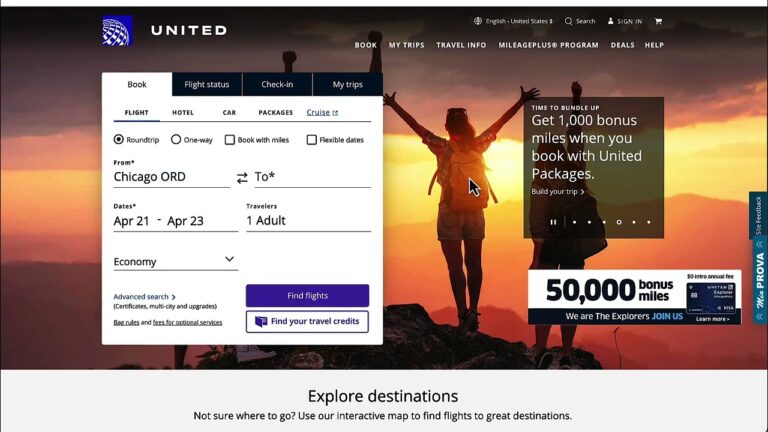
I have long been a big fan of Automated Personalization (AP) in Adobe Target. One of the critical features to extract as much value from it as possible is Report Groups for offers used in AP.
Report Groups allow you to folder or bucket similar offer themes. One client of mine recently took my advice to do this exercise and, since doing so, has realized a 28% lift with the targeted group vs. control by raising the conversion lift to 9% from 7%
This video shows you this concept in action.
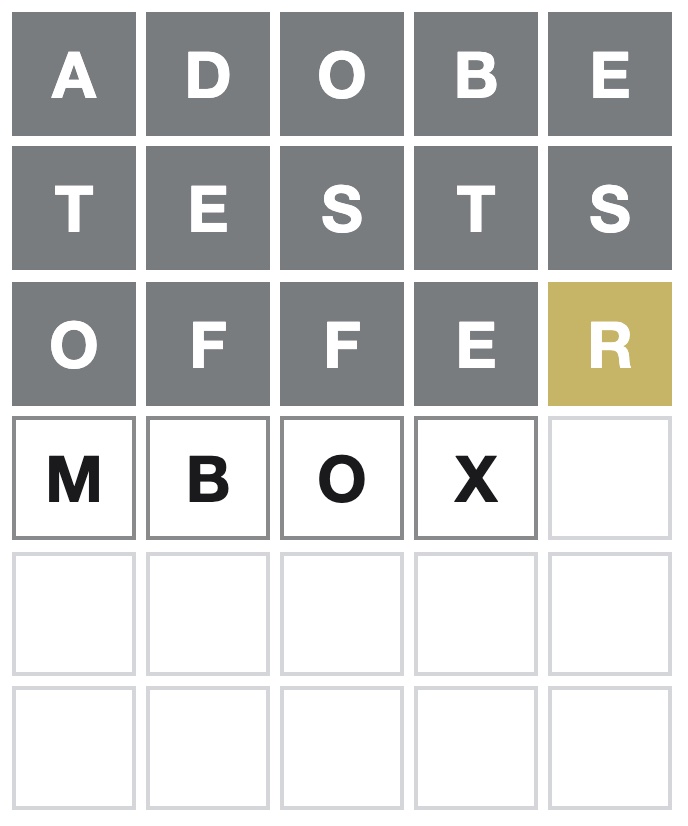
This video demonstrates how easy it is to get data from Local Storage to Adobe Target for audience creation and to target.
Spoiler Alert: This video shows how to see today’s Wordle answer, so please don’t watch it if you don’t want to see it.
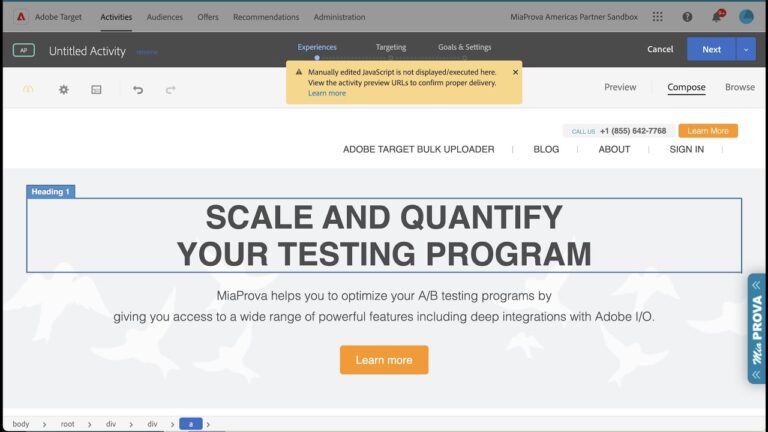
Automated Personalization is one of my favorite tools in Adobe Target. There is one nuance, though, when you wish to use custom code to define the experiences used by the models or for random distribution. This video outlines a quick workaround.
This video will maybe help those Adobe Target users with debugging or validating the Geo-Targeting capabilities within Adobe Target. We wrote this blog post some time ago that allows users to see what Adobe Target Geo meta-data is mapped to your IP address and that has generated many inquiries to us and we hope this video helps with that.
Blog Post: https://www.miaprova.com/blog/adobe-target-geo-targeting/
Debugging Example URL (remember to go incognito or clear cookies to spoof your IP address): https://www.miaprova.com/blog/adobe-target-geo-targeting/?mboxOverride.browserIp=149.142.201.252
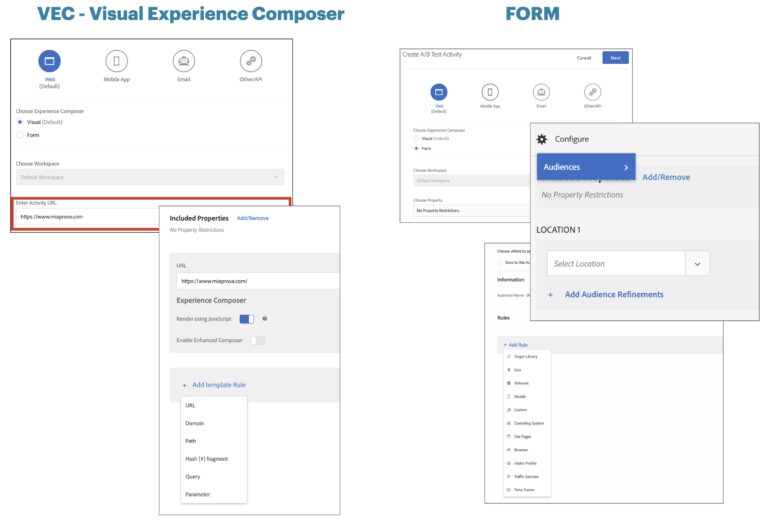
Over the years, we have gotten many requests from customers asking for clarity around how best to use Adobe Target Audiences and Locations when setting up Activities via the Visual Experience Composer (VEC) or Form-based creation. This video will share best practices and explain how best to leverage the functionality.
This video provides a way for you to apply rules to how many times an offer gets displayed as part of an Adobe Target Activity.