
Adobe Target UI Changes
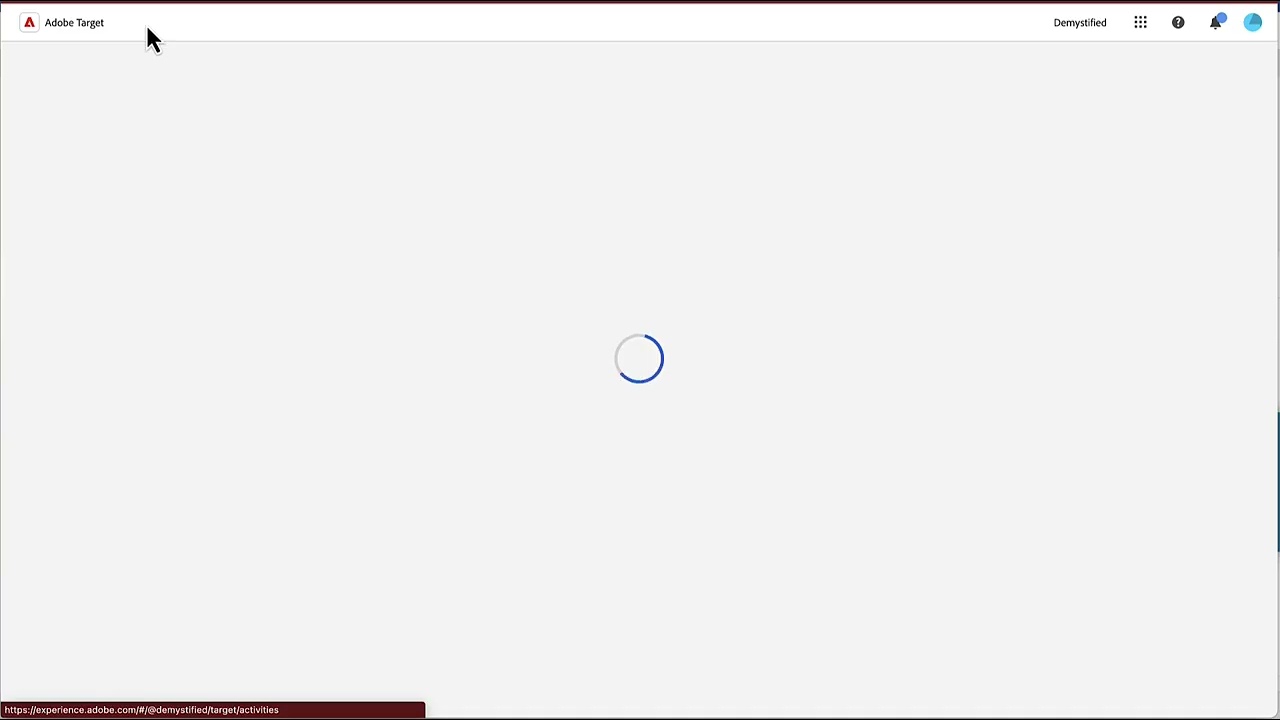
Noticed something interesting in one of the Adobe Target Accounts that I have access to: a new user interface.
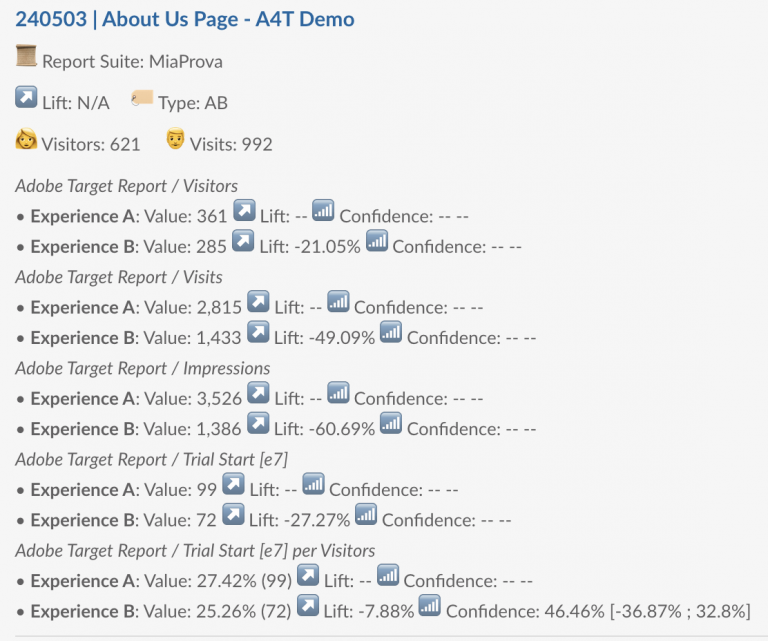
If only I have a dollar for every email, call, text from business stakeholders to ask ‘how’s my test doing?’! The new MiaProva/Slack integration serves as your new ‘Alexa’ or ‘Siri’ (but no, we don’t listen in your conversation!). Simply ask in the MiaProva Channel inside your company’s Slack account to provide you with a…
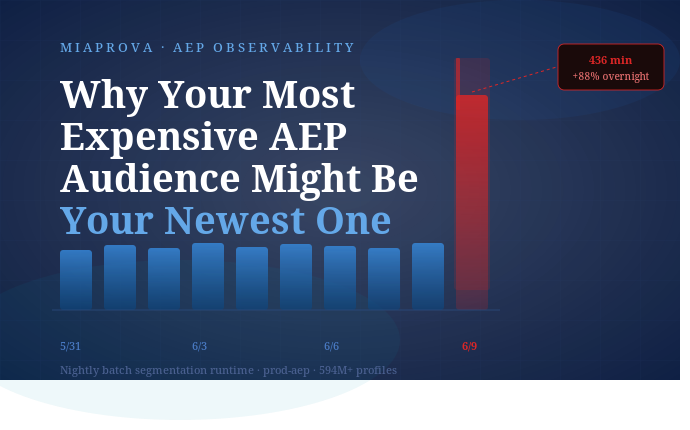
A real-world investigation into AEP batch segmentation performance, segment complexity, and the observability gap in between. Recently a client’s nightly batch job took 7.3 hours instead of 3.5. Profile count was actually down slightly from the night before. Here’s what we found. Many enterprise RT-CDP deployments that rely on scheduled audience activation depend on a…
Today marks an exciting milestone for MiaProva and the organizations that rely on it to scale their optimization and personalization programs. We’ve officially released Journey Recommendations, the first of many AI-driven features designed to transform how teams analyze, report, and act on test results. Why Journey Recommendations Matter For years, MiaProva has helped enterprises streamline…
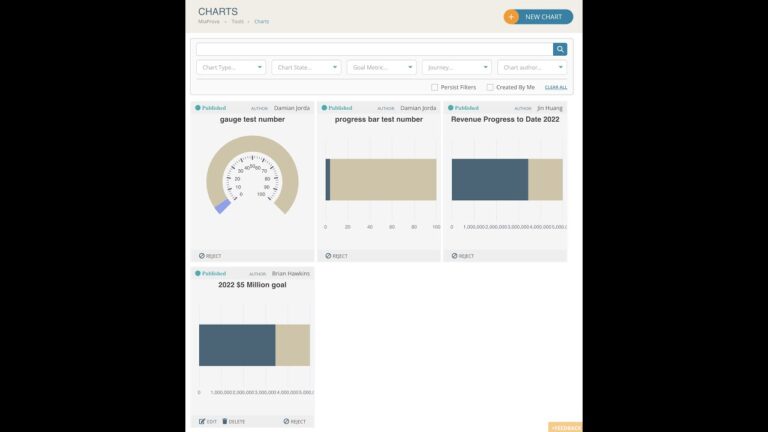
MiaProva is excited to release two significant features as part of our October 2022 release.
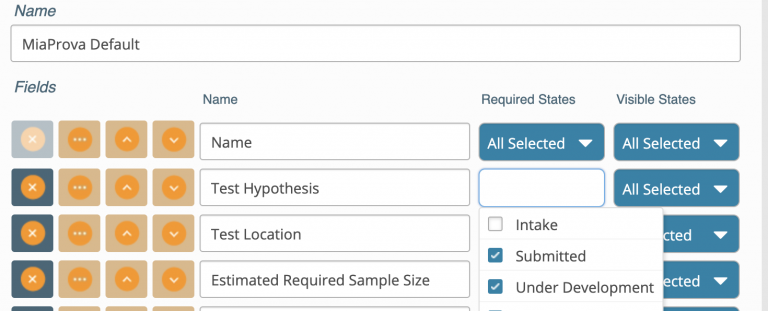
At the earlier stage of optimization programs, MiaProva provides a standard test ticket in-take form that is based on industry best practice. Our hope is to guide users to carefully consider all factors that can impact their tests downstream. As most of our clients reach a level of maturity and sophistication in their testing program,…
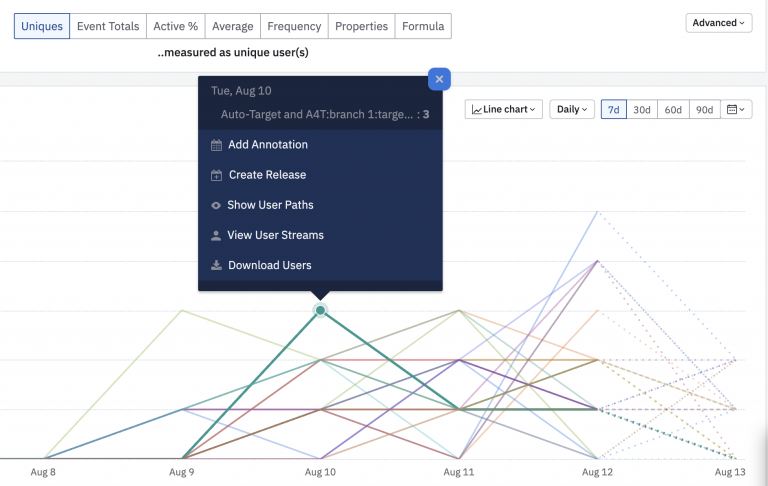
Amplitude is a Digital Optimization System that we have been asked about quite a bit lately. It turns out, MiaProva has some friends there from our Omniture and Adobe days, and so we got a much closer look at the solution and some of the use cases that organizations are using it for. They offer…